
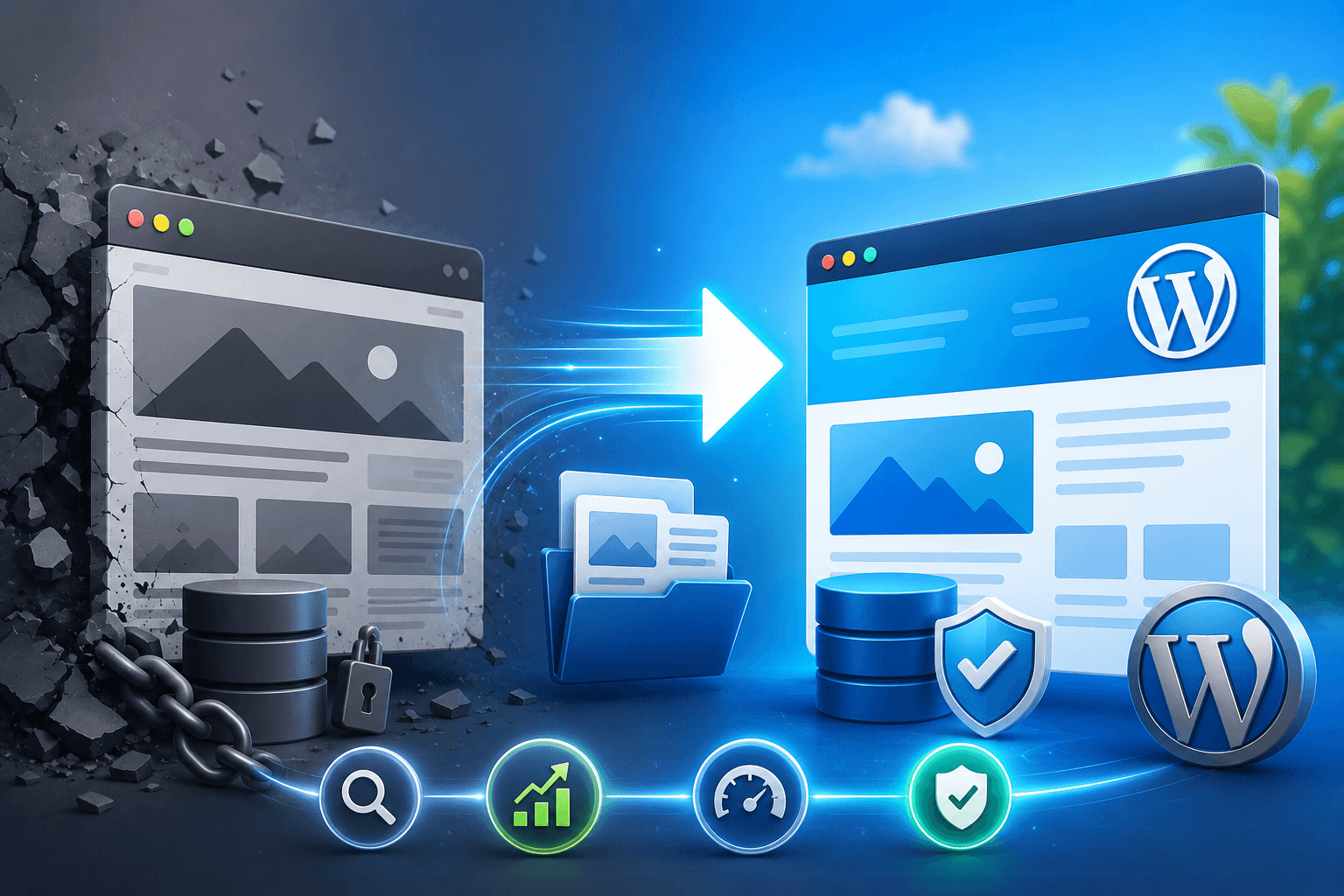
Website Migration Without Losing SEO is one of the most sensitive parts of any website redesign or rebuild. It’s not just about moving pages from one platform to another—it’s about making sure everything you’ve built in terms of rankings, traffic, and authority stays intact.
In this guide, I’m sharing how we successfully migrated a website to WordPress without losing SEO performance. With the right planning, structured approach, and attention to detail, we were able to complete the migration smoothly while maintaining search visibility and setting the site up for long-term growth.
Why Migrate to WordPress?
WordPress is used by over 43% of all websites today (Source: W3Techs), and for good reason. It gives you flexibility, control, and a strong foundation for SEO.
If you’re moving from platforms like Wix, Squarespace, Webflow, or a custom CMS, WordPress makes things easier to manage and scale. Some of the biggest advantages include:
- Full control over SEO settings and metadata
- Flexible and clean URL structure
- Better performance optimization options
- Huge plugin ecosystem for added functionality
- Long-term scalability and ownership
Pre-Migration SEO Audit (Critical Step)
Before touching anything technical, we always start with a full SEO audit. This step is crucial because it tells you what you need to protect during migration.
Here’s what we usually check:
- Exporting the full sitemap
- Identifying top-performing pages using Google Search Console and Analytics
- Reviewing keyword rankings with (tools like Ahrefs, SEMrush)
- Listing all important backlinks pointing to the site (via Ahrefs Backlink Checker)
One important step here is creating a URL mapping sheet. This helps you match every old URL with its new version in WordPress so nothing gets lost.
URL Structure & 301 Redirect Planning
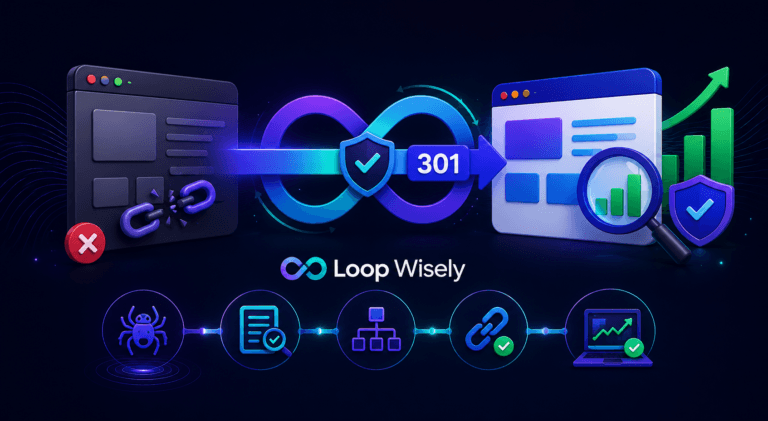
This is where most migrations go wrong.
If redirects are not handled properly, you risk losing rankings and traffic almost instantly.
To avoid that, we:
- Set up 301 redirects before launch
- Use tools like Redirection plugin or server-level rules
- Keep URL structures as consistent as possible
- Avoid unnecessary permalink changes
We also crawl the site using tools like Screaming Frog to catch any broken links before and after migration.
Content Migration Strategy
Moving content isn’t just copying and pasting—it needs to be done carefully to preserve SEO value.
We make sure to:
- Maintain heading structure (H1–H6)
- Keep meta titles, descriptions, and alt text intact
- Preserve internal links throughout the site
- Transfer structured data and schema properly
For more complex sites, tools like Advanced Custom Fields (ACF) help keep everything organized and scalable.
XML Sitemap + Robots.txt
Once the migration is done, we immediately:
- Submit the new XML sitemap to Google Search Console
- Check robots.txt to ensure nothing important is blocked
- Use plugins like Yoast SEO or Rank Math for better control
This helps Google quickly understand the new structure of the site.
Performance, Core Web Vitals & Hosting
Google has made it clear that site speed and performance matter for rankings (source: Google Search Central).
After migration, we focus on performance optimization, including:
- Using a lightweight, performance-optimized WordPress theme
- Removing unnecessary plugins to improve speed and stability
- Choosing reliable hosting providers like Kinsta, Rocket.net, or Cloudways
- Implementing caching, lazy loading, and CDN integration
These improvements often lead to better performance than the original site.
Final Checks Before Launch
Before going live, we double-check everything carefully:
- Redirects are working correctly
- Forms and buttons are functional
- Mobile experience is smooth
- No broken pages or 404 errors
- GA4 and Search Console are properly installed
We also monitor the site closely for the first few weeks to ensure rankings stay stable.
When Done Right, SEO Gets Better
A properly handled migration doesn’t just protect SEO—it can improve it.
We often see benefits like:
- Faster loading speeds
- Cleaner site structure
- Better crawlability
- Improved mobile performance
- Gradual ranking growth over time
When everything is set up correctly, migration becomes an opportunity—not a risk.
Need Expert Help?
Even experienced teams can run into challenges during migrations. That’s why we handle SEO-safe WordPress migrations at Loop Wisely, ensuring everything is moved carefully without losing visibility or traffic.
If you’re planning a migration, it’s always worth doing it the right way from the start.
🎯 Request a Free SEO-Safe Migration Consultation → Contact Us